Buyer information, not installation instructions. Requirements depend on the adopted local code and exact product. Electrical work and site diagnosis should be performed by qualified professionals.
Two USB-C wall outlets can look alike and offer different charging options. Before choosing one, check the devices it needs to charge, the output from each port and the power available when both ports are in use. The AC receptacle has a separate rating.
The FAHINT examples here cover configurations for North American distribution, private-label orders and projects. They use our published model specifications. The linked industry sources explain selection principles; FAHINT performance and certification must be checked against the documents for the exact model.
Which devices will use the outlet?
A bedside outlet used for a phone may need a different specification from a desk outlet used for a laptop. List the devices you want to support and the cables people will bring. Include whether they need to charge one device at a time or two together.
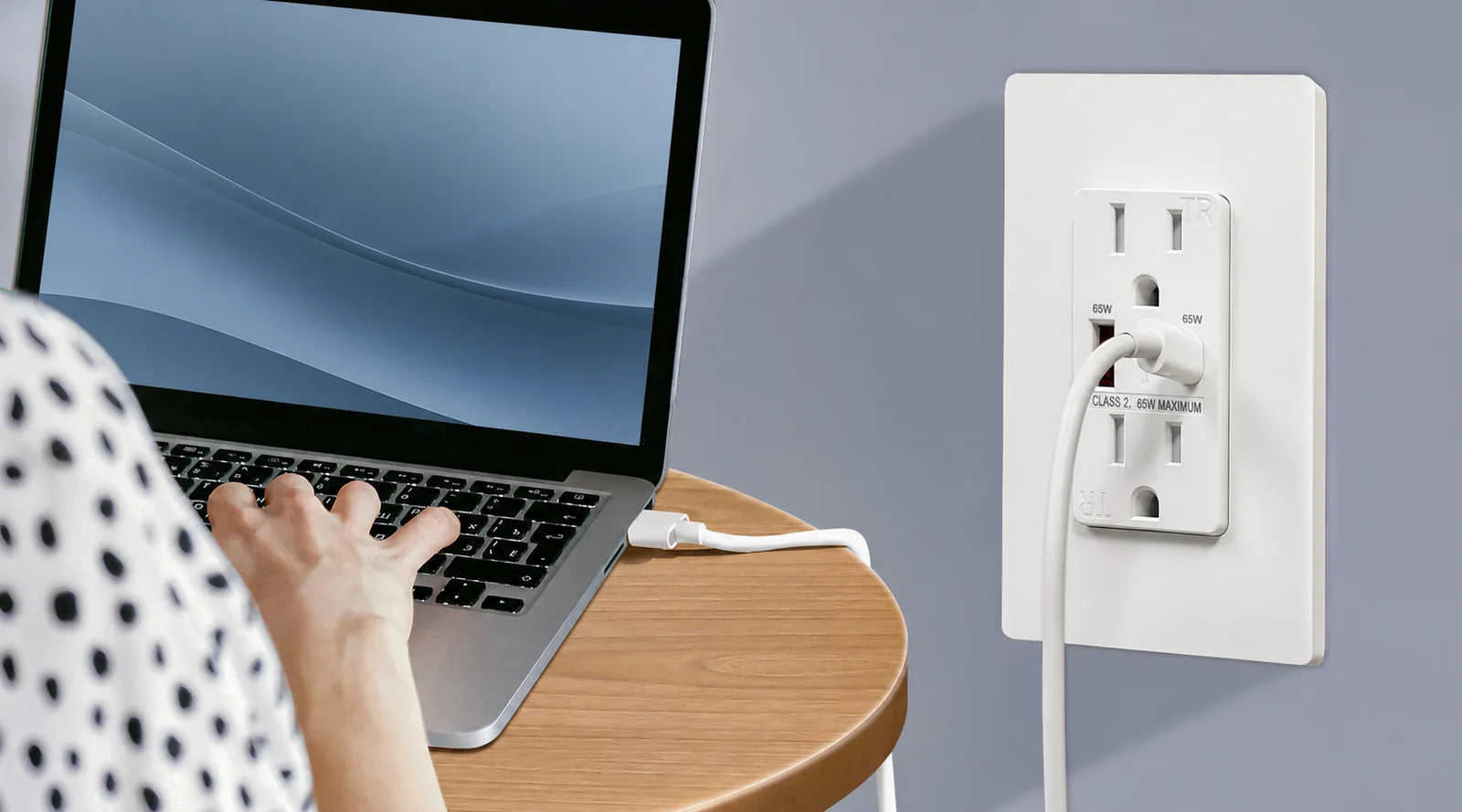
Take the charging requirements from each device’s documentation. For a laptop, that includes its required USB-C Power Delivery profile: a USB-C port alone does not tell you whether the outlet can replace the laptop’s charger. Use the intended devices and suitably rated cables when reviewing a sample.
USB-C does not always mean Power Delivery
USB-C tells you the connector type. USB Power Delivery (PD) is a separate capability, so a USB-C connector does not by itself establish PD support. Look for the charging profiles in the specification. [Source]
FAHINT FTR15C-3100 is one example: it has USB-A and USB-C ports with a combined output of 3.1A at 5V DC, but it is a conventional 5V model without PD. FTR15-3100 has the same combined output through two USB-A ports.Compare A + C configurations
For PD charging, compare the profiles of FTR15QC-DC20W, FTR15QC-DC36W and FTR15QC-DC65W. All three have dual USB-C ports. Match the voltage and current your device requires; the wattage in a model name does not automatically make it a phone, tablet or laptop charger.
What happens when both ports are in use?
A port’s maximum output and the outlet’s combined output are different figures. You also need to know how that power is allocated with several devices connected. Leviton’s USB comparison table lists single-port and combined power separately, a distinction worth keeping in your own specification. [Source]
On FTR15C-3100, USB-A is rated at 5V DC / 2.4A and USB-C at 5V DC / 3.0A. Together, they have a combined limit of 3.1A at 5V DC. Both ports therefore cannot supply their individual maximum currents at the same time.
For the FAHINT PD models in this guide, simultaneous-port power sharing is not published in the current model references. Each port has an advertised maximum; the output with both ports occupied still needs to be confirmed. If two-device charging matters to your order, request that specification and include it in the sample check.
A 65W label alone does not tell you how fast a particular device will charge. Review the device’s required profiles, the cable rating and the combination you plan to use before approving the outlet.View 65W PD models
Compare seven FAHINT configurations
Keep the AC receptacle rating in its own column when comparing models. FTR15QC-DC65W is a 15A, 125V NEMA 5-15R receptacle; FTR20QC-DC65W is a 20A, 125V NEMA 5-20R receptacle. Both specify USB-C output up to 65W. Choosing the 20A version does not increase the USB output.
F4P is a four-port USB charger without AC receptacle openings. It has a 125V / 60Hz input and a combined USB output of 5V DC / 4.2A / 21W. It belongs in the USB-only part of an assortment, separate from combination receptacles.
Have a qualified professional confirm the circuit, location and installation requirements. Selecting a USB charging function does not by itself establish any required ground-fault protection, weather resistance or suitability for a particular location.
These examples compare port arrangements and ratings, not tested compatibility with particular devices. Each model links to its full specifications and available documents.
| Model | USB ports | AC rating / input | Published USB output |
|---|---|---|---|
| FTR15-3100 | Dual USB-A | 15A,125V NEMA 5-15R | 3.1A, 5V DC combined |
| FTR15C-3100 | USB-A + USB-C | 15A,125V NEMA 5-15R | 3.1A, 5V DC combined |
| FTR15QC-DC20W | Dual USB-C | 15A,125V NEMA 5-15R | USB-C up to 20W per port* |
| FTR15QC-DC36W | Dual USB-C | 15A,125V NEMA 5-15R | USB-C up to 36W per port* |
| FTR15QC-DC65W | Dual USB-C | 15A,125V NEMA 5-15R | USB-C up to 65W per port* |
| FTR20QC-DC65W | Dual USB-C | 20A,125V NEMA 5-20R | USB-C up to 65W per port* |
| F4P | 4 × USB-A | 125V 60Hz input; no AC receptacle | 5V DC · 4.2A · 21W combined |
*Each PD figure is the published maximum for one port. Do not add the two port ratings together. Ask for the output available with both ports in use before specifying two-device charging.
You can filter the USB range by ports, AC rating and charging output, then compare two or three models side by side. Add your choices to the inquiry list with quantities and finishes.Browse USB outlet models
Check the box depth, wallplate and documents
The front dimensions tell only part of the fit. Eaton includes device depth in its USB range information; your review should also cover depth and the space needed for wiring. [Source]
Wallplate requirements need a separate check too. Legrand’s 65W outlet page lists them alongside the device dimensions and electrical specifications. [Source]
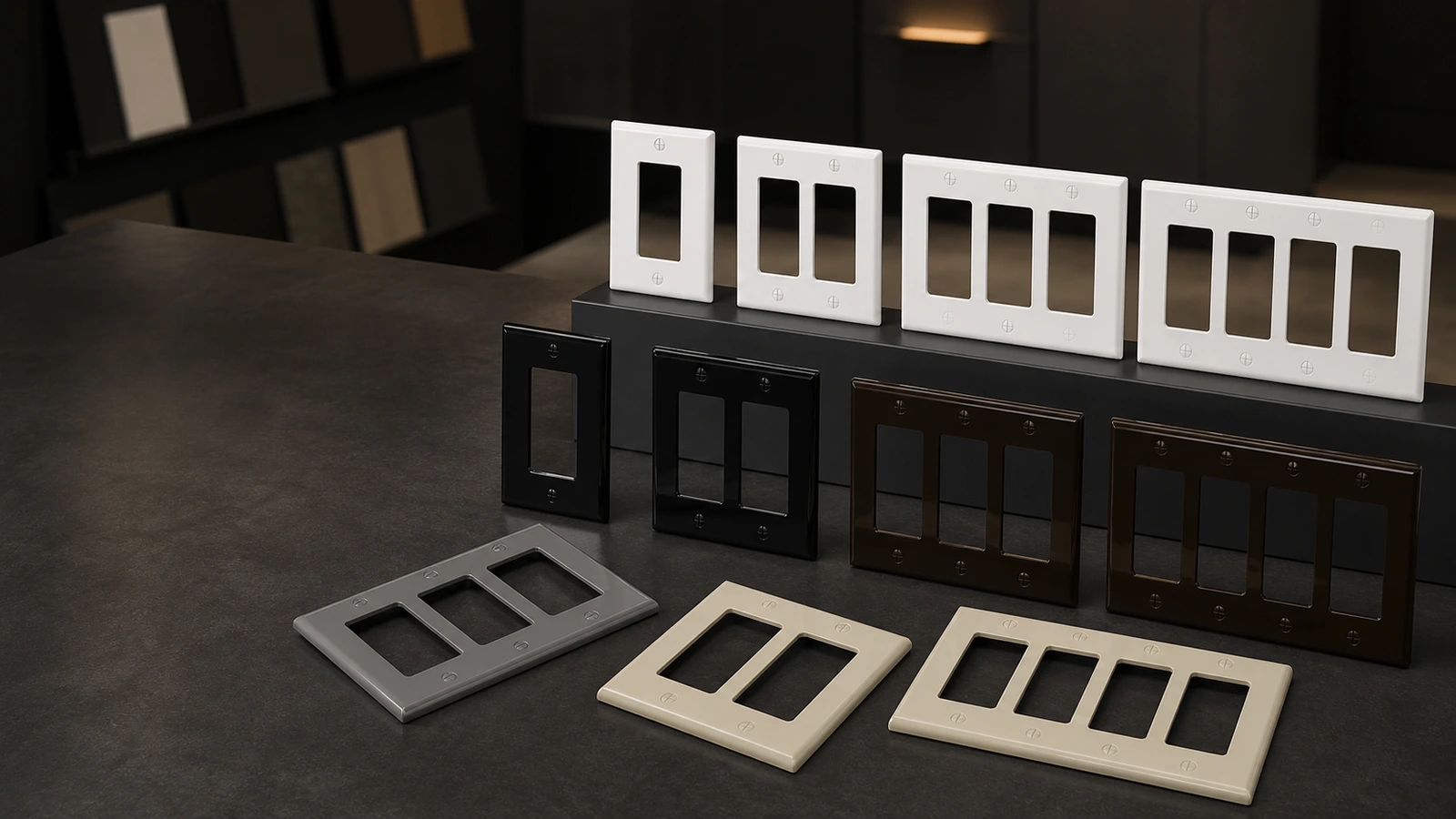
For a FAHINT model, use its own dimension drawing. If an original drawing has not yet been published, request it before approving the fit. A similar-looking outlet may differ. Also ask whether the intended wallplate comes with the device or needs a separate order.
Review the device finish and plate together on the sample. For branded packs, include the authorized markings, artwork and pack format in that approval. Check the exact model and conditions in the relevant certificate, including its current status. ISO 9001 covers the quality management system; it is not a product listing.Review USB product documents
What to send with your inquiry
Send the model numbers you are considering along with the charging requirements. If a detail is still undecided, flag it so we can address it in the quotation:
- Full model numbers and quantities for each configuration.
- Device models, cables and required output profiles, including which devices must charge together.
- The AC receptacle rating and configuration, or a USB-only requirement.
- Finish, wallplate style, available installation space and any drawings still needed.
- Destination market, required model documents and project-specific sample checks.
- Packaging and authorized brand markings, with quantities split by finish or pack format.
- Samples and requested delivery date, plus any unanswered power-sharing or compatibility questions.
We confirm sample arrangements, minimum quantities, customization options and lead times in the quotation. Keep the agreed model documents and approved sample with the order so the charging requirements, finish and pack details remain clear.
Sources & further reading
Reviewing a specific model?
Send the model and the question you want to resolve. We will help locate the relevant product information.
Ask a product question